Setting Up an NFT Collection
Learn how to create an NFT collection on any EVM chain (Ethereum, Polygon, Arbitrum, etc.) that scales through Bridgeless Minting.
This guide features JavaScript examples but can be adapted to any programming language. By the end, you'll have your own collection ready for minting and evolving NFTs without incurring fees on the selected EVM chain. The only prerequisite is to own accounts with sufficient funds to pay for transaction fees on both the chosen EVM and LAOS.
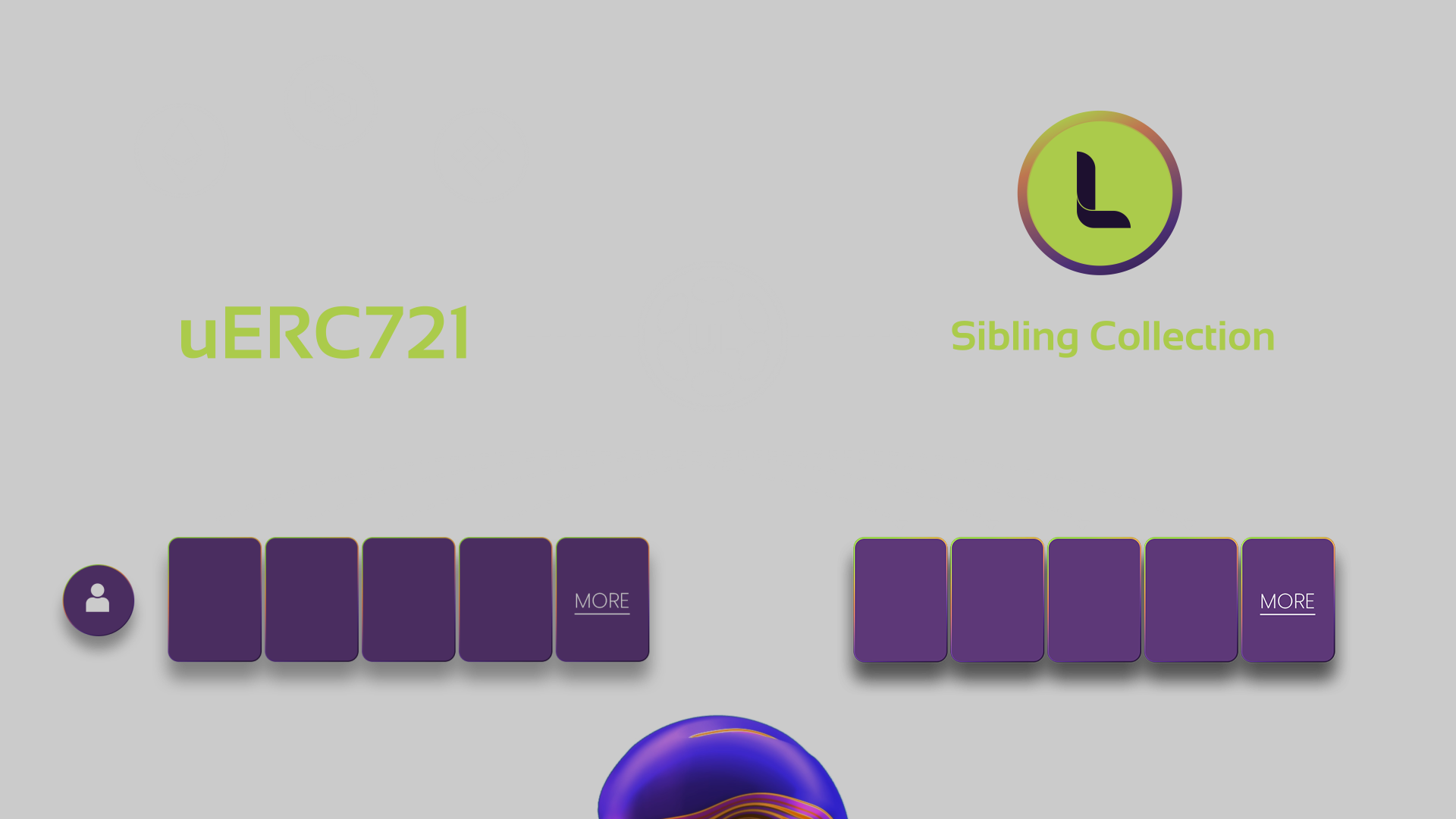
After running this example, you will have deployed a uERC721 contract on the EVM blockchain of your choice, pointing to a newly created an Sibling Collection on LAOS. Initially, all slots in the ERC721 will point to unfilled locations on LAOS, representing a setup where no mints have been performed yet.
The system will be ready for Bridgeless Minting: as collection owner, you will be able to mint and evolve assets by sending transactions to LAOS. Your users and recipients of those assets will be able to trade them natively on the chose EVM chain as regular ERC721 tokens.
Full Code Example
The code corresponding to this example can be found and executed here. The flow consists of:
- Creating a LAOS Sibling collection (for which the code is here), which generates a new LAOS contract address;
- Deploying an ERC721 on the chosen EVM (for which the code is here), pointing to the created LAOS contract.
Running the example
- Create a
.envfile with your private key:
PRIVATE_KEY=your_private_key_here
Keep your private key secure and never share it or commit it to version control.
- Install dependencies:
$ npm ci
- Configure the LAOS and target chain RPC URLs:
- Run the scripts:
$ node setup-bridgeless-minting.js
The creation process deploys smart contracts on both your target chain and LAOS: an ERC721 compatible contract on the former, pointing to the LAOS sibling collection on the latter.
Store the returned addresses, as you'll need them for future operations. You can always check blockchain explorers on both chains (e.g. the LAOS Explorer) to find the creation transactions sent from your wallet's address.
Next Steps
Now that the setup phase is completed, the minting follows the usual path, with the difference that mints can be sent to LAOS instead of to the chosen EVM chain. As usual, before minting, asset metadata shall be uploaded to IPFS so that it can be referenced in the token's metadata.