Minting NFTs
Learn how to mint NFTs on any EVM chain (Ethereum, Polygon, Arbitrum, etc.), either one at a time, or in batches of many.
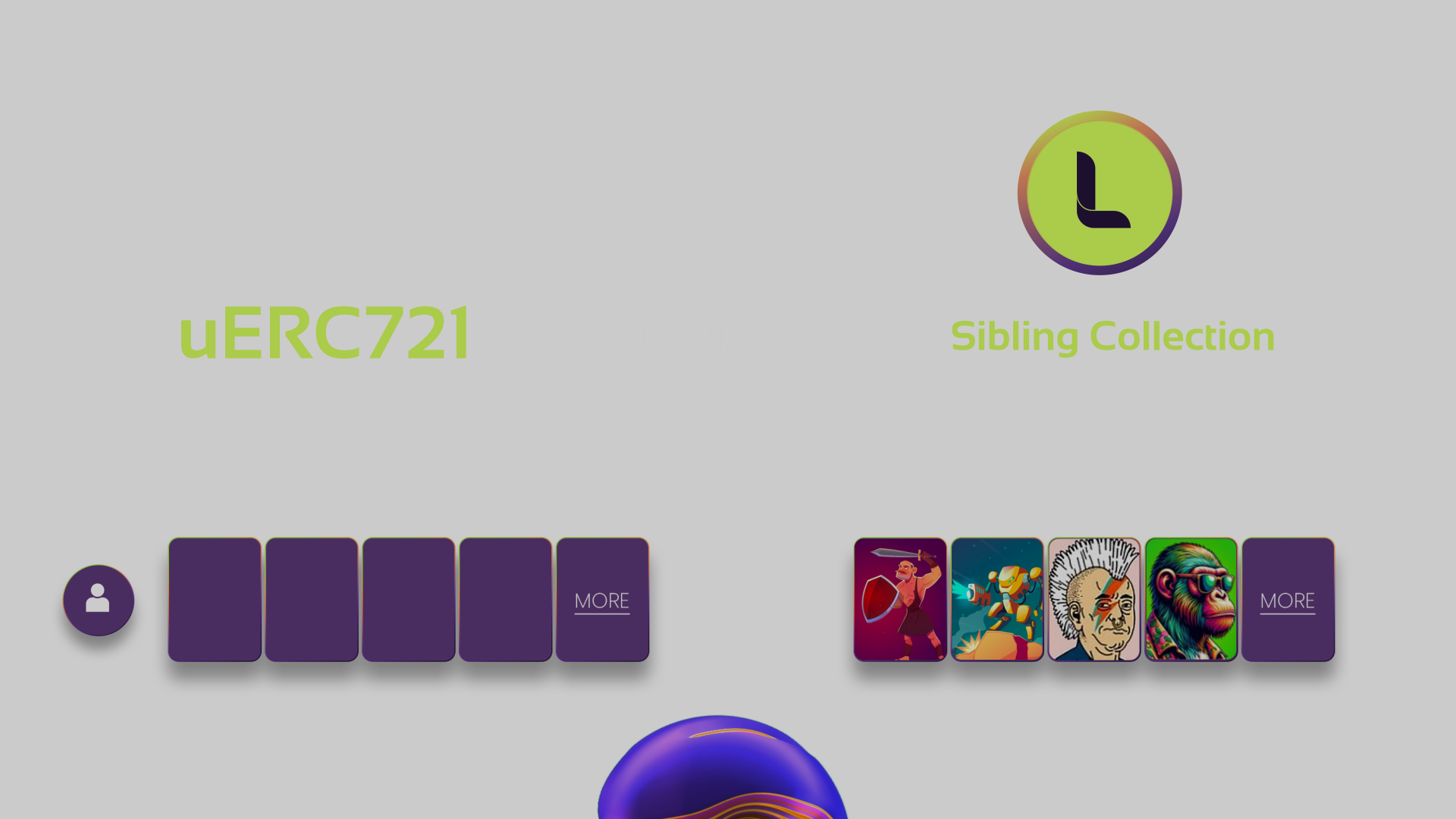
Minting an NFT involves filling its corresponding location on LAOS.Prerequisites
- A LAOS Sibling collection address. Check the setup phase to obtain one.
- The IPFS CID corresponding to the NFT metadata. Check IPFS upload to obtain one.
Full Code Example
The code corresponding to minting examples can be found at:
Running the example
-
Set up the private key and install dependencies as in the previous steps.
-
Configure the LAOS sibling collection, recipient, and the tokenURI, in the corresponding lines of the chosen example. The recipient address can be any EVM address, not necessarily the one corresponding to the wallet doing the mint.
-
Run the scripts:
$ node mint.js
or for batch minting
$ node mint-in-batches.js
- Have a look at the
tokenIDgenerated for each of the minted NFTs. As in any ERC721, the generated NFTs are fully identified by the contract address in the chosen EVM chain (where the ERC721 was deployed in the setup phase), and theirtokenID.
Try a transfer with Metamask
If you're testing, one thing you can already do right after minting is to transfer the ownership of a newly minted NFT Simply set the recipient of the NFT to a wallet you control in Metamask. Then, import it into Metamask and click 'Send.'
In more detail, if your chosen EVM chain is Polygon, ensure that Metamask is connected to a Polygon node. Then, click 'Import' and enter the generated tokenID.
Note the beauty of Bridgeless Minting in action: even if the mints are scaled using LAOS and gas fees are paid in LAOS, all ownership-related
operations, such as transferring the NFT, are fully done on-chain on Polygon.
Next Steps
Minted NFTs can be evolved by the LAOS sibling collection owner, transferred via Metamask, or traded on marketplaces like OpenSea or Rarible.